The SmartScout API is for teams that want SmartScout’s Amazon market intelligence outside the dashboard.
With API access, you can bring product, brand, seller, subcategory, keyword, and competitor data into your own reports, databases, dashboards, or workflows. That makes it useful when manual Amazon research becomes too slow, repetitive, or limited.
For Amazon sellers, brands, agencies, and enterprise teams, the value is simple: SmartScout becomes a data source you can build around, not just a platform you log into.
Key Takeaways
- SmartScout API access is available through an active SmartScout account and is listed as an Enterprise option.
- Standard SmartScout plans start at $29/month, but API access uses custom Enterprise pricing.
- The SmartScout API is best for brands, agencies, wholesale teams, and data teams that need Amazon market data at scale.
What Data Can You Access With the SmartScout API?
SmartScout’s API data covers the main areas Amazon teams usually research: products, brands, sellers, subcategories, search terms, and advertising insights. Here’s what each data type can help you analyze.
Product Data
Product data helps teams research specific ASINs and compare products at scale.
This can include product details, pricing signals, sales rank history, buy box history, related products, and other ASIN-level insights. For Amazon brands and sellers, this data is useful for product tracking, opportunity research, and competitor monitoring.
Brand Data
Brand data helps users understand how a brand performs inside the Amazon marketplace.
Teams can use this data to review brand revenue, market share, top products, category presence, and competitive position. This is useful for agencies, aggregators, wholesalers, and brands that want to monitor competitors or find partnership opportunities.
Seller Data
Seller data is useful for researching Amazon sellers, not just products.
SmartScout’s platform includes seller tools for searching sellers by geography, product activity, and marketplace presence. This can help wholesale teams, agencies, and service providers find sellers that match their target customer profile.
Subcategory Data
Subcategory data gives a broader view of a market or niche.
Instead of looking at one ASIN at a time, users can analyze Amazon subcategories by size, revenue, top brands, top products, competition, and market structure. This is especially useful for product research, niche validation, and category-level reporting.
Search Term and Keyword Data
SmartScout API data can also support keyword and search term research.
This includes keyword relevance, search term performance, organic ranking insights, and competitive keyword analysis. SmartScout’s feature set includes Keyword Detective and Search Terms Relevancy, both designed around Amazon keyword visibility and product discovery.
Advertising and Competitive Data
SmartScout also has advertising intelligence through Ad Spy.
This data can help users understand which competitors are advertising, what search terms they appear for, and how paid visibility connects to product and brand performance. SmartScout’s API documentation lists Ad Spy endpoints, including sponsored products and brand data tied to search terms.
How SmartScout API Access Works
SmartScout API access starts with an active SmartScout account.
The important detail is plan availability. SmartScout’s pricing page does not list API access under its Basic, Essentials, or Business plans. Instead, API appears under Enterprise Options.
To use the API, you need an API key. SmartScout requires the key in the X-Api-Key header for API requests. You can request an API key from SmartScout support.
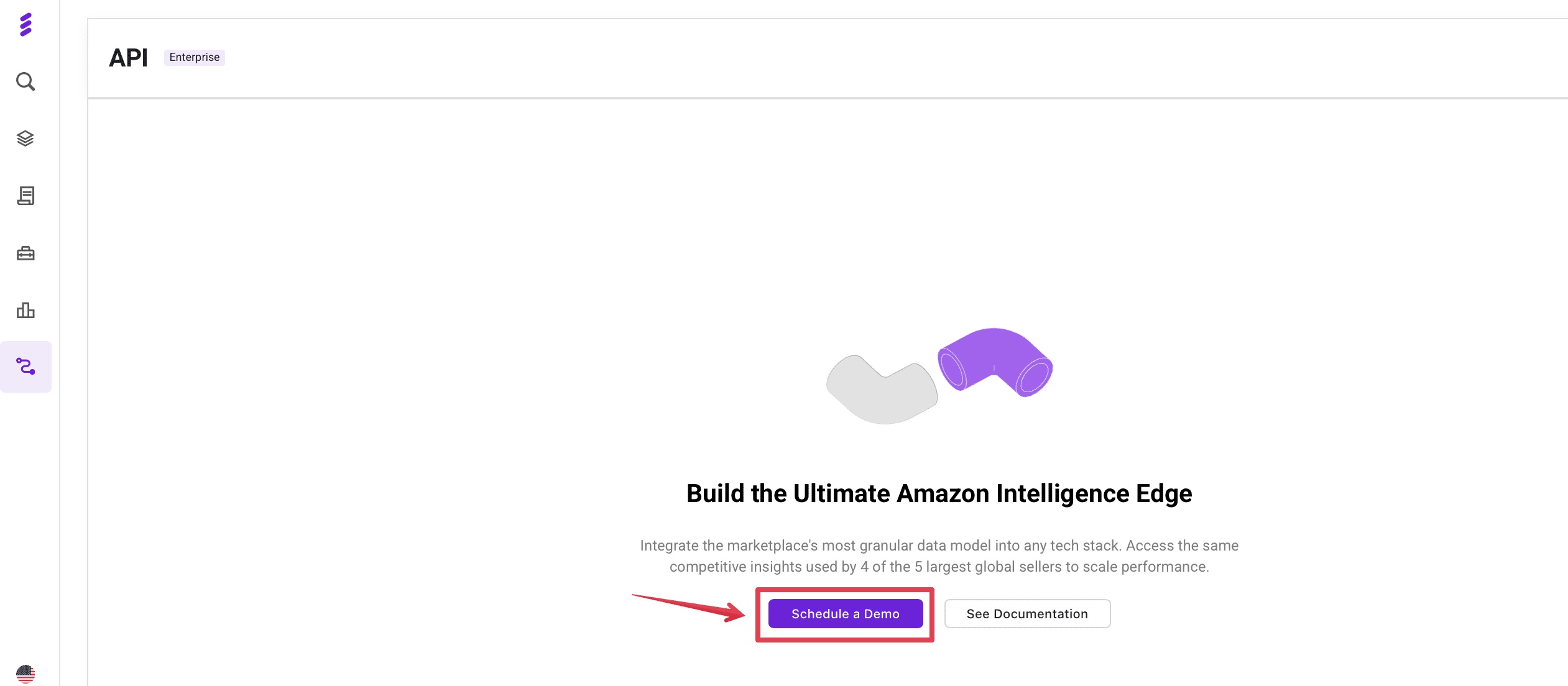
If you already have a SmartScout account and want API access, the best next step is to schedule a demo or contact the SmartScout team. They can confirm whether API access is available for your account, what plan or setup is required, and which options match your use case.
How to Get Started With the SmartScout API
Once API access is confirmed, start with one clear use case.
For example, you may want to track competitor products, monitor brand performance, research sellers, analyze keywords, or pull subcategory data into a dashboard. Starting narrow makes it easier to choose the right endpoint and avoid collecting data you do not need.
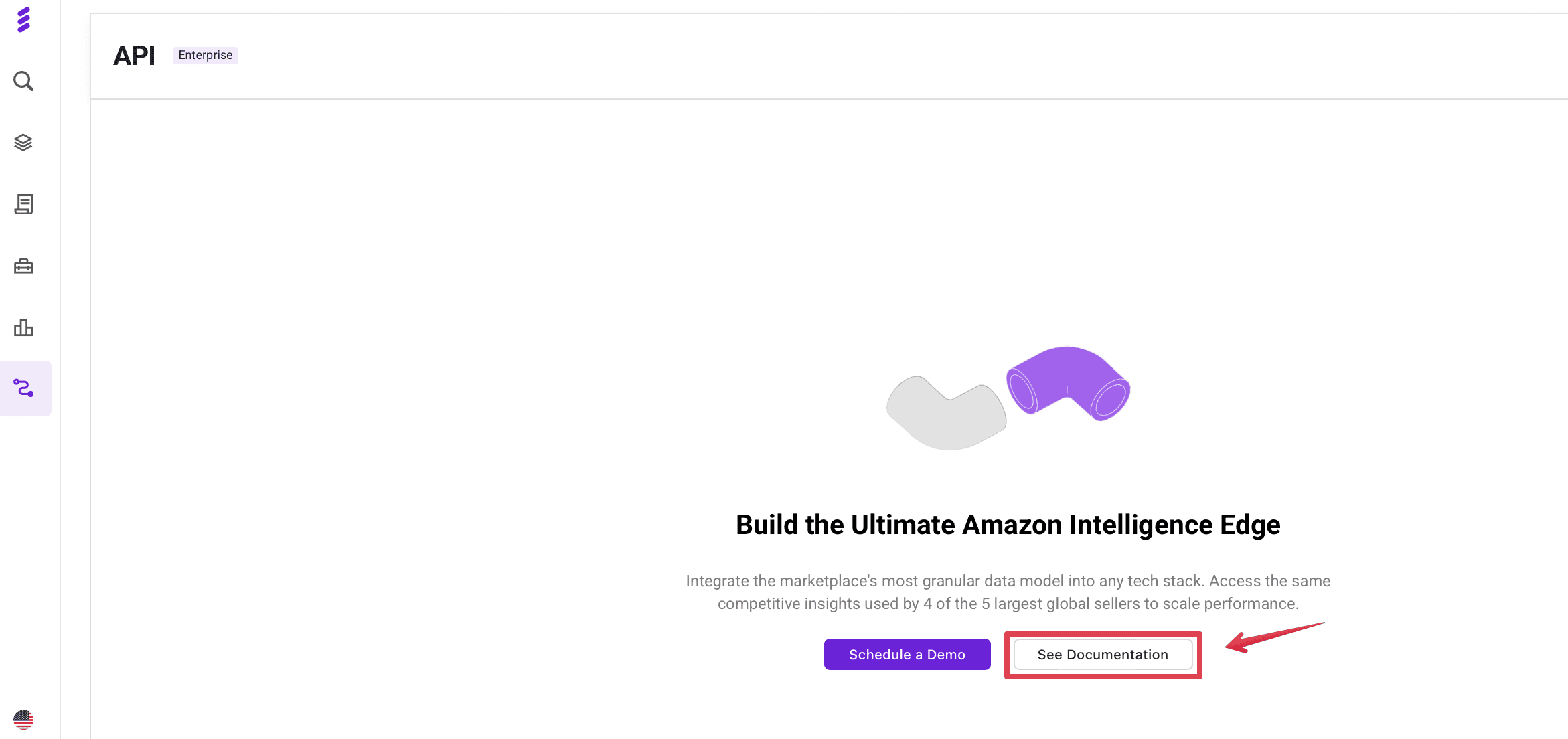
Next, review the SmartScout API documentation and endpoint schema. SmartScout’s API supports structured requests with marketplace parameters, pagination, sorting, and filtering, so teams can pull more focused datasets instead of working with broad exports.
A simple setup process can look like this:
- Choose the data type you need first.
- Find the matching endpoint in the API documentation.
- Add your API key to the request header.
- Set the required marketplace parameter.
- Test a small request.
- Review the response format.
- Connect the data to your spreadsheet, database, BI tool, or internal workflow.
For most teams, the best first project is not a full integration. It is a small report that proves the data is useful. After that, the API can support larger workflows, such as recurring dashboards, competitor monitoring, or automated Amazon market research.
SmartScout API Pricing
SmartScout has three standard plans: Basic, Essentials, and Business. It also offers an Enterprise plan with custom pricing.
Here is the current public pricing shown by SmartScout:
| Plan | Monthly price | Yearly price, shown per month | API access |
|---|---|---|---|
| Basic | $29/month | $25/month | Not listed |
| Essentials | $97/month | $75/month | Not listed |
| Business | $187/month | $158/month | Not listed |
| Enterprise | Custom | Custom | Listed as an Enterprise option |
SmartScout lists API under its Enterprise Options, along with features like competitor ad data, seller data exports, historical data, relevancy tools, and Data Lake access. The Basic, Essentials, and Business plans do not list API access as an included feature on the public pricing page.
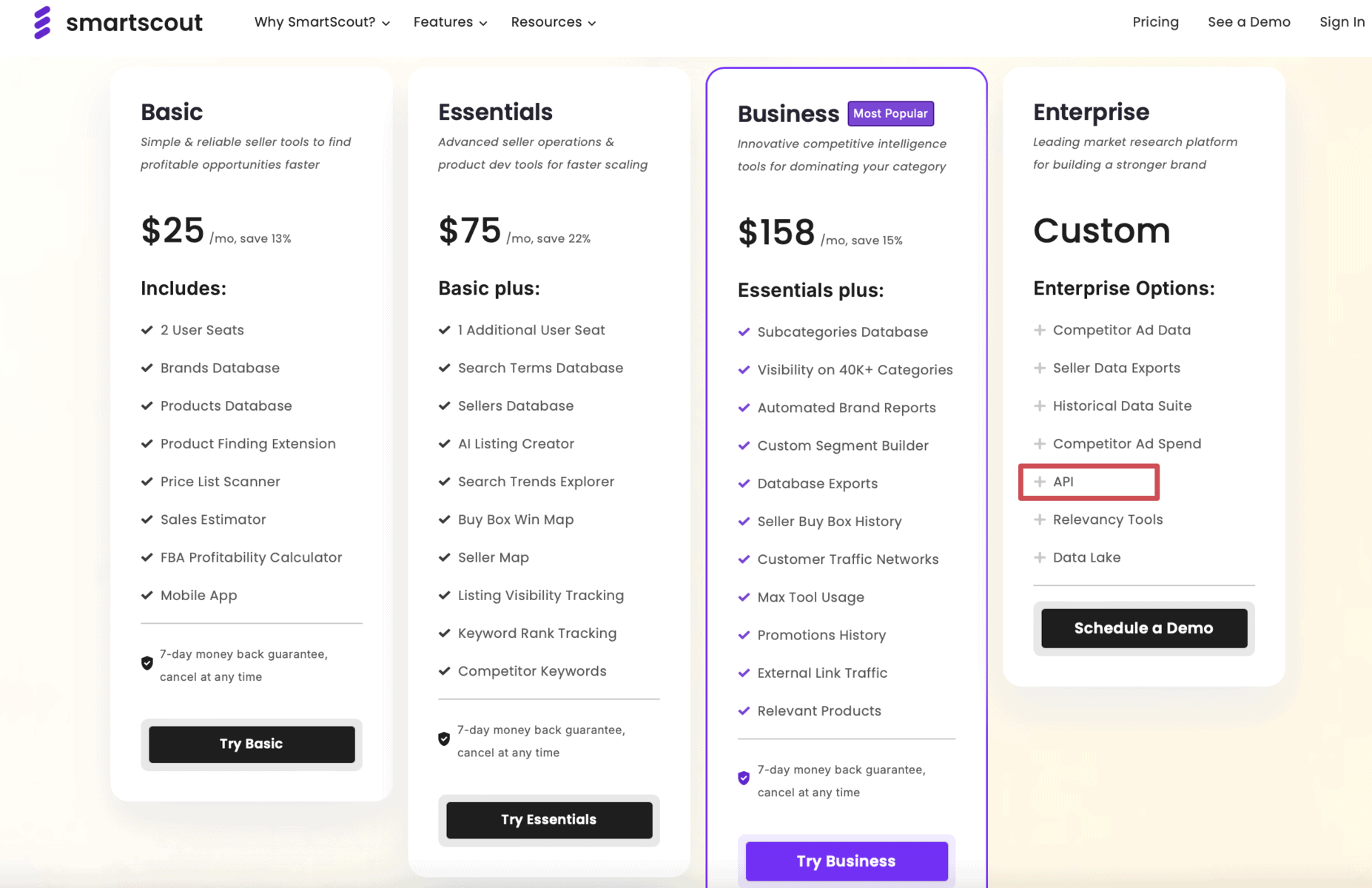
So, if API access is the main reason you are comparing plans, the Enterprise plan is the one to look at. Since Enterprise pricing is custom, you will need to schedule a demo with SmartScout to confirm the cost, access level, and whether the API fits your use case.
SmartScout API vs. Amazon SP-API
The SmartScout API and Amazon SP-API are not built for the same job.
Amazon SP-API is Amazon’s official API for seller and vendor operations. It helps sellers and vendors access their own Amazon business data, including orders, shipments, payments, inventory, reports, and listings. Amazon describes SP-API as a REST-based API for building applications that automate Amazon business operations.
The SmartScout API is different. It focuses on Amazon market intelligence. That means data around products, brands, sellers, subcategories, keywords, and competitors.
A simple way to separate them:
| API | Best for | Main data type |
|---|---|---|
| Amazon SP-API | Managing your own Amazon operations | Orders, listings, inventory, shipments, payments, reports |
| SmartScout API | Analyzing the wider Amazon marketplace | Products, brands, sellers, categories, keywords, competitors |
For many teams, this is not an either-or choice. Amazon SP-API can help you understand what is happening inside your own account. SmartScout API can help you understand what is happening across the market.
Who Should Use the SmartScout API?
The SmartScout API is best for teams that need Amazon market data on a regular basis, especially when manual research or dashboard exports are no longer enough.
It can be useful for:
- Amazon brands that want to track competitors, category changes, and market share.
- Agencies that manage multiple clients and need repeatable reporting.
- Wholesale teams that research brands, sellers, and product opportunities at scale.
- Aggregators and investors that evaluate Amazon brands, niches, or acquisition targets.
- Developers and data teams that want to connect SmartScout data to dashboards, databases, spreadsheets, or internal tools.
For smaller sellers who only need occasional product or competitor research, the regular SmartScout dashboard may be enough. API access makes more sense when your team needs automation, recurring reports, or larger-scale Amazon market analysis.
Frequently Asked Questions
Does the Smartscout API Support Multiple Amazon Marketplaces?
Can You Use Smartscout API Data With AI Tools?
Final Verdict: Is the SmartScout API Worth It?
The SmartScout API makes the most sense when SmartScout data needs to feed another system, such as a BI dashboard, internal database, client reporting tool, or research workflow.
The key question is not whether the API is useful, but whether your team has enough repeated SmartScout tasks to justify Enterprise-level access. Since API access is listed as an Enterprise option with custom pricing, it is best suited for teams that already rely on SmartScout data and want to use it at scale.
To see current offers, check the latest SmartScout deal through our link and schedule a demo to ask about API access for your account.